
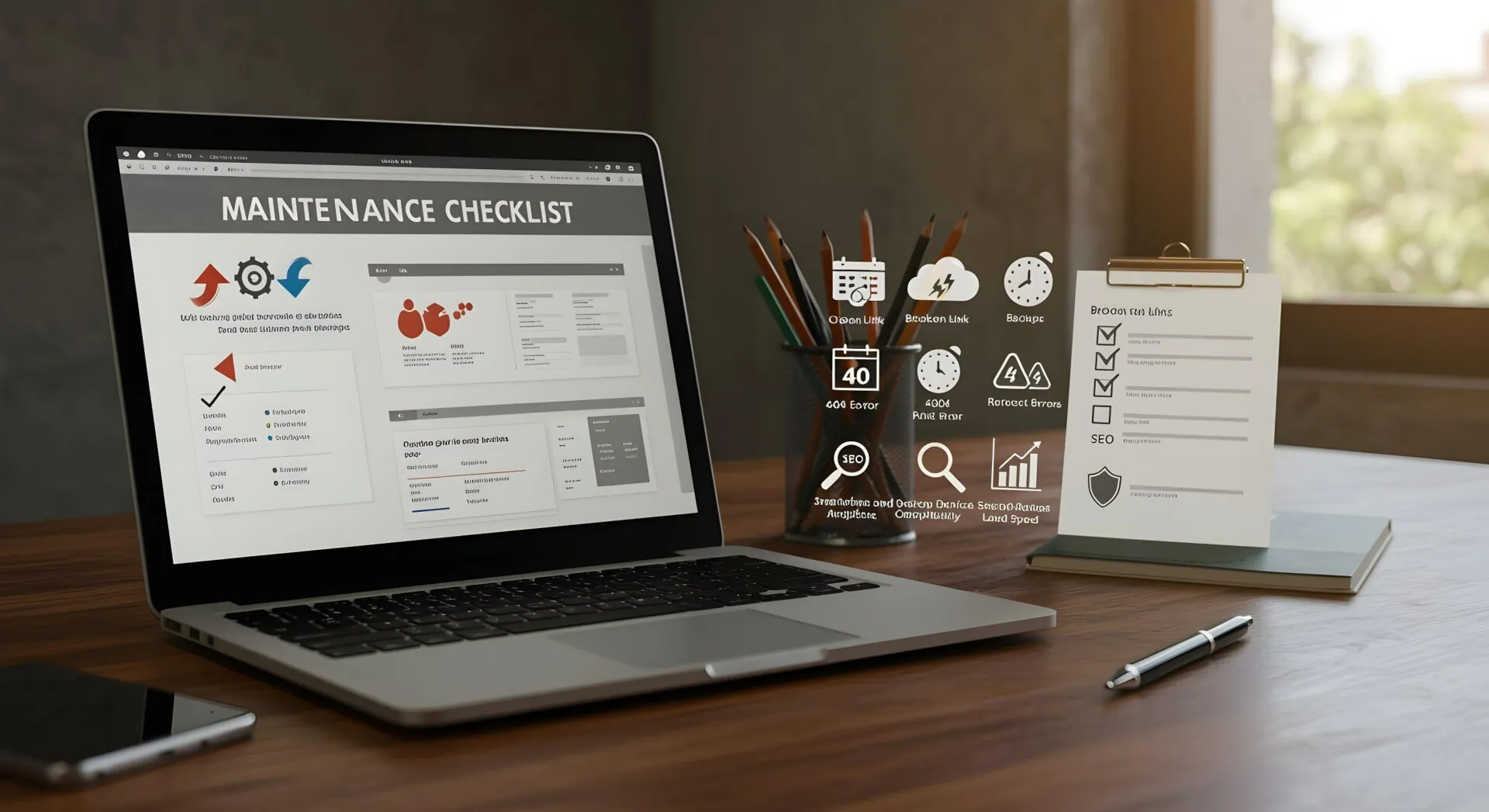
Your website is one of the most valuable assets of your business. It works 24/7 to represent your brand, attract customers, and generate leads or sales. However, simply launching a website is not enough. Regular maintenance is essential to keep it secure, fast, updated, and performing at its best. Without proper maintenance, your site can become slow, vulnerable to security threats, or outdated in content and design.Whether your business website is built on WordPress, Shopify, Wix, or any other platform, a consistent maintenance routine ensures long-term success. This checklist will guide you through the key areas every business should regularly review.
Regular Software and Plugin Updates
Keeping your website software up to date is one of the most important maintenance tasks. CMS platforms frequently release updates to improve performance, add features, and fix security vulnerabilities. Ignoring these updates can leave your website exposed to cyber threats.If you are using WordPress, make sure the core software, themes, and plugins are updated regularly. For hosted platforms like Shopify or Wix, updates are usually managed automatically, but it is still important to check for any new features or changes that may impact your site.
Website Security Monitoring
Cybersecurity threats continue to grow, and business websites are common targets. Regularly monitor your site for malware, suspicious activity, or unauthorized login attempts. Use strong passwords and enable two-factor authentication where possible.It is also important to ensure your SSL certificate is active and properly configured. A secure website not only protects user data but also builds trust with visitors and improves search engine rankings.
Backup Your Website Frequently
Backups are your safety net. If your website crashes, gets hacked, or experiences technical issues, a recent backup allows you to restore it quickly without major data loss. Schedule automatic backups daily or weekly, depending on how often your content changes.Store backups in secure external locations such as cloud storage or offline systems. Testing your backup restoration process occasionally is also recommended to ensure it works properly.
Check Website Speed and Performance
Website speed plays a critical role in user experience and search engine optimization. Slow loading pages can increase bounce rates and reduce conversions. Regularly test your website speed and identify areas that need improvement.Optimize images, remove unnecessary plugins, and ensure your hosting plan meets your website’s needs. A fast and responsive website keeps visitors engaged and improves overall performance.
Review and Update Content
Outdated content can harm your credibility. Regularly review your website pages, blog posts, product descriptions, and contact information to ensure everything is accurate and relevant.Update service details, pricing, team information, and company achievements as needed. Fresh content not only keeps users informed but also signals search engines that your website is active and valuable.
Test Forms and Functional Features
Contact forms, booking systems, checkout pages, and other interactive elements must work flawlessly. Test them regularly to ensure they are submitting correctly and sending notifications to the right email addresses.If you run an eCommerce store, verify that payment gateways and cart functionality are operating smoothly. Broken features can lead to lost leads and missed sales opportunities.
Monitor Analytics and Performance Metrics
Tracking performance data helps you understand how visitors interact with your website. Tools like Google Analytics and Google Search Console provide insights into traffic, user behavior, search visibility, and technical issues.Review metrics such as bounce rate, page views, conversion rate, and traffic sources. Regular analysis helps you identify problems early and make data-driven improvements.
Check Mobile Responsiveness
A large percentage of users browse websites on mobile devices. Ensure your site remains fully responsive and functions smoothly on different screen sizes. Test navigation, images, buttons, and text layout on smartphones and tablets.Mobile-friendly design is not only important for user experience but also for search engine rankings.
Fix Broken Links and Errors
Broken links create frustration for users and negatively affect SEO. Regularly scan your website for 404 errors or incorrect links and fix them promptly. Also, check internal links to ensure they guide users to relevant pages correctly.A well-maintained link structure improves navigation and search engine crawling efficiency.
Review SEO Elements
Search engine optimization requires ongoing attention. Review page titles, meta descriptions, keywords, and image alt text to ensure they remain optimized. If your business strategy changes, update your SEO approach accordingly.Keep track of keyword rankings and competitor performance. Continuous SEO monitoring helps maintain or improve your position in search results.
Final Thoughts
Website maintenance is not a one-time task but an ongoing responsibility. Regular updates, security checks, performance monitoring, and content improvements keep your website professional, secure, and competitive.By following a structured maintenance checklist, businesses can avoid costly issues, protect their online reputation, and ensure their website continues to support growth and customer engagement. A well-maintained website reflects a reliable and trustworthy brand, helping you stay ahead in today’s digital landscape.